Migration from WordPress to Webflow: A Guide for Growing Businesses
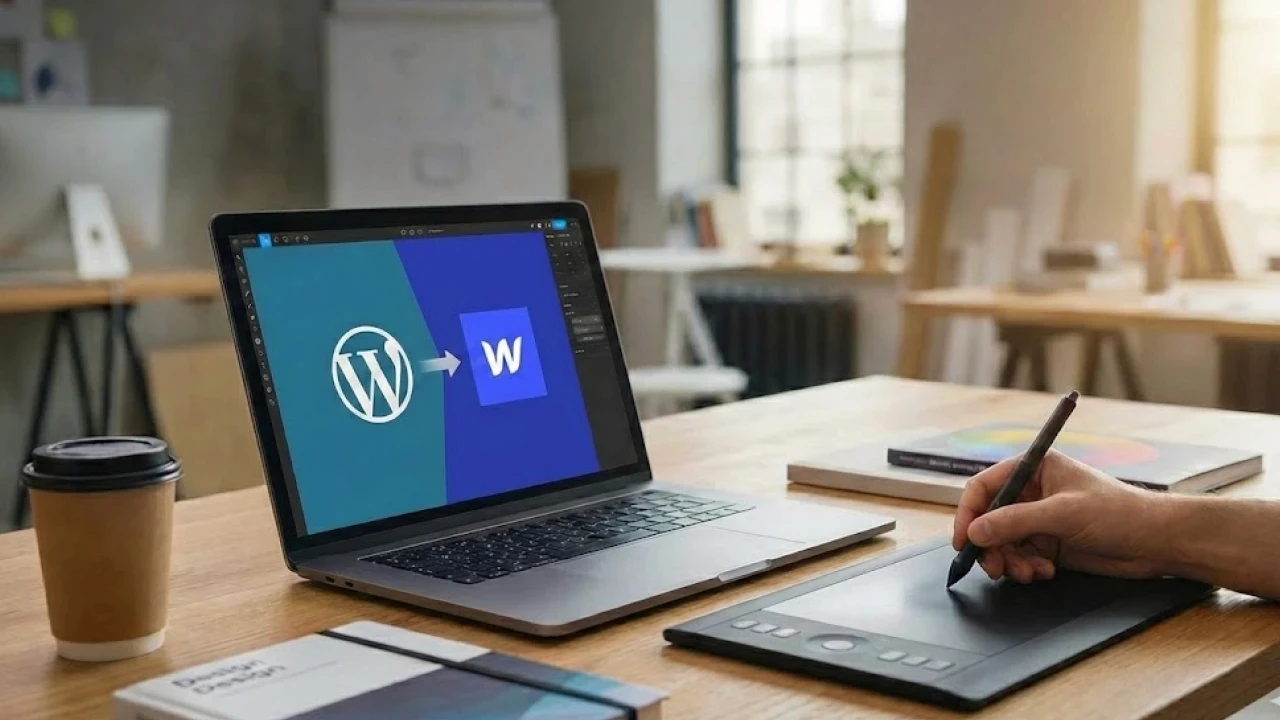
Has your company outgrown WordPress? Choose Webflow. It offers security, scalability, and a powerful CMS without the clutter. Find out how we migrate B2B services while maintaining their positions in Google.
TL;DR
Who is this for? Scalable companies (SaaS/Tech), enterprises needing advanced databases (CMS) and custom integrations.
Main WP issue: "Frankenstein site" patched together with random plugins, which becomes unstable and unsafe under higher traffic.
Why Webflow? It is a professional no-code development platform. Offers Enterprise-class hosting (AWS), a powerful CMS for managing large amounts of content, and complete stability (closed system).
Costs: Although it has a monthly subscription, in annual accounting (TCO) it often turns out to be cheaper than maintaining, repairing, and hosting a professional WordPress site.
Our role: We conduct an audit, model your data in the new CMS, and securely redirect traffic, ensuring business continuity.
Is your website keeping up with the pace of your business growth? Many companies start their journey with WordPress. It's a natural choice. However, at some point, the "free" system starts generating costs - time, nerves, and money.
Slow loading, plugin conflicts, security vulnerabilities, and the constant need for technical maintenance are signals that your company has outgrown its current solution.
That's why modern enterprises, tech startups, and ambitious agencies increasingly choose migration from WordPress to Webflow. It's not just a "look" change. It's a transition to a professional infrastructure that allows marketing to scale without worrying about technology.
In this article, we will explain why this change is worthwhile and how we conduct it in our agency, ensuring the security of your data and SEO.
End of the "Frankenstein site" era
The biggest problem with WordPress at a business scale is its architecture. To obtain modern features, you must install plugins. One for SEO, another for security, a third for forms, a fourth for speeding up the site...
As a result, a "Frankenstein site" is created - pieced together from bits of code from different authors. Such a system is difficult to maintain and prone to crashes.
Webflow changes this paradigm. It's an All-in-One integrated environment that combines:
A pro-grade visual editor.
A powerful CMS (Content Management System).
Secure hosting based on Amazon Web Services (AWS).
You get a complete product, not a set of parts for self-assembly.
WordPress vs Webflow - Business Comparison
The decision to migrate must be based on hard data. Here's how both systems perform in key business areas:
Area | WordPress | Webflow |
|---|---|---|
Stability | Dependent on plugins. Updating one might break another. | Closed, stable ecosystem. Webflow takes responsibility for the code. |
Security | Frequent attack target. Requires constant monitoring. | SSL certificates and DDoS protection as standard (Enterprise Grade Security). |
Speed (SEO) | Requires advanced cache and server optimization. | Global CDN ensures the site loads instantly worldwide. |
CMS (Content) | Flat structure (Posts/Pages). Harder customization. | Relational CMS. Ability to connect data in advanced structures. |
Costs | Hidden costs (server, paid plugins, repairs). | Transparent monthly/annual subscription. |
When is Webflow a better choice than WordPress?
As experts, we do not recommend Webflow to everyone. If you're running a simple blog, stay with WordPress. If you need a simple business card, consider Framer.
Choose Webflow if:
You're scaling content: Your site has a complex structure (e.g., a case study database, service catalog, team integrations). Webflow CMS allows building relationships between these elements like in a professional database.
You need automation: You want to connect the site with tools like HubSpot, Make (formerly Integromat), or Zapier to automatically send leads to CRM.
You require uniqueness: Your brand needs custom interactions and animations that can't be done on a ready-made WP template.
Security is a priority: You cannot afford site downtime (e.g., during an advertising campaign) due to a plugin error.
Ready to migrate to Webflow?
Is migrating to Webflow safe for SEO?
This is a crucial question. Improper migration (to any system) can ruin visibility on Google. However, well-implemented Webflow provides a huge SEO advantage.
Webflow generates clean, semantic HTML/CSS code that Google's robots "read" with ease. You have full control over header structure, meta tags, and the site map. You don't need to install "Yoast" type plugins to have great SEO - these tools are built into the system.
Our principle: We prioritize SEO migration. We do not launch a new site until we are sure that Google will correctly index the new structure.
What does the migration process look like in our agency?
Transferring a service from WordPress to Webflow is an operation we divide into 4 strategic stages:
Audit and Link Map: We scan your current site. We create a list of all URLs that are indexed on Google. This is our "treasure list" that we can't lose.
Data Modeling (CMS): What was chaos in WordPress, we organize in Webflow. We design the CMS structure so that adding new content by your team is intuitive and fast.
Design and Development: We recreate your design (or create a new one) based on the best Webflow practices. We care about responsiveness and performance.
301 Redirect System: This is the most important technical moment. Every old link from WordPress must lead to its counterpart on Webflow. This ensures that users (and Google), clicking on the old link, land where they should, and you retain the SEO power of the domain.
Is Webflow more expensive? Cost Analysis (TCO)
We often hear the argument: "But WordPress is free, and you have to pay a subscription for Webflow". This is the myth of "freeness".
When you add up the real costs of maintaining a professional service on WordPress (fast hosting, paid plugins, theme licenses, and above all, developer hours for updates and repairs), it turns out that WordPress is often the more expensive solution.
Webflow offers a predictable subscription cost that covers hosting, security, and tool development. You pay for peace and stability.
Summary: Investing in technology that works for you
Migrating to Webflow is a strategic decision. It's cutting the cord from technical issues and transitioning to a world where the website just works, is fast and secure. For your marketing team, this means freedom - the ability to publish new landing pages without waiting for the IT department.
Are you ready for a change of standard? Contact us. We will analyze your current WordPress site and prepare a plan for a safe migration to the world of Webflow.
Looking for something simpler, focused mainly on design? Read about migration to Framer.
More posts
Other blog posts that may interest you.